
Screenshots
App details
- Version
- 0
- Size
- 62.71 MB
- Updated
- July 11, 2023
- Requires
- Windows 8
- Language
- English | Czech | Danish | German | Gree...
- License
- Trial version
- Developer
- Ashampoo GmbH Co. KG
- Category
- Windows OS
SoftPas in:
This product is also available in the following languages:
About Ashampoo Zip Pro 2
Download Ashampoo Zip Pro 2 – Secure, Fast & Multi-Platform Archive Manager for Windows, Mac, Android & iOS
Ashampoo ZIP Pro 2 is a powerful, all-in-one file management suite designed for users who demand more than just basic compression and extraction. Whether you're a small business owner, remote worker, or tech-savvy individual, this software delivers a robust toolkit for handling over 40 archive formats with speed, security, and seamless integration across devices. With advanced encryption, OpenPGP signing, cloud storage support, and a portable version, Ashampoo ZIP Pro 2 stands out as a top-tier solution in the crowded archive management space. It’s ideal for those who need reliable, secure, and efficient file handling across Windows, Mac, Android, and iOS platforms.
Powerful Features That Set Ashampoo ZIP Pro 2 Apart
When it comes to file compression and management, Ashampoo ZIP Pro 2 goes far beyond the basics. Unlike many tools that only support ZIP and RAR formats, this software supports more than 40 archive types, including 7Z, TAR, GZ, BZ2, ISO, and even legacy formats like ACE and ARJ. This makes it a universal solution for both modern and older file systems. Whether you're extracting a large project archive from a client or creating a secure backup, Ashampoo ZIP Pro 2 handles it with ease. One of the most impressive aspects is its multi-core processing support, which significantly speeds up compression and extraction tasks—especially noticeable with large files or folders containing hundreds of documents.
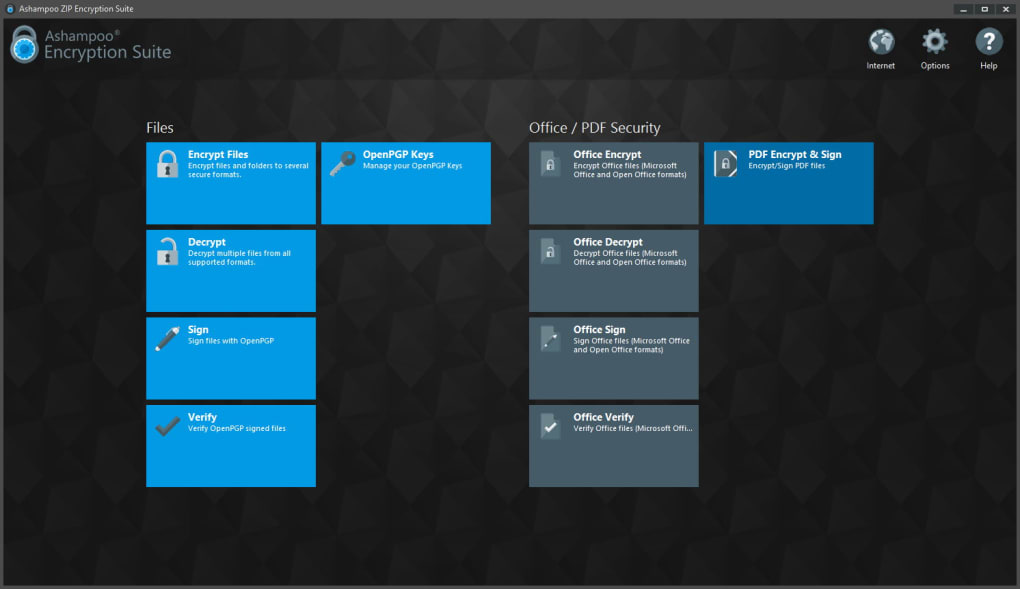
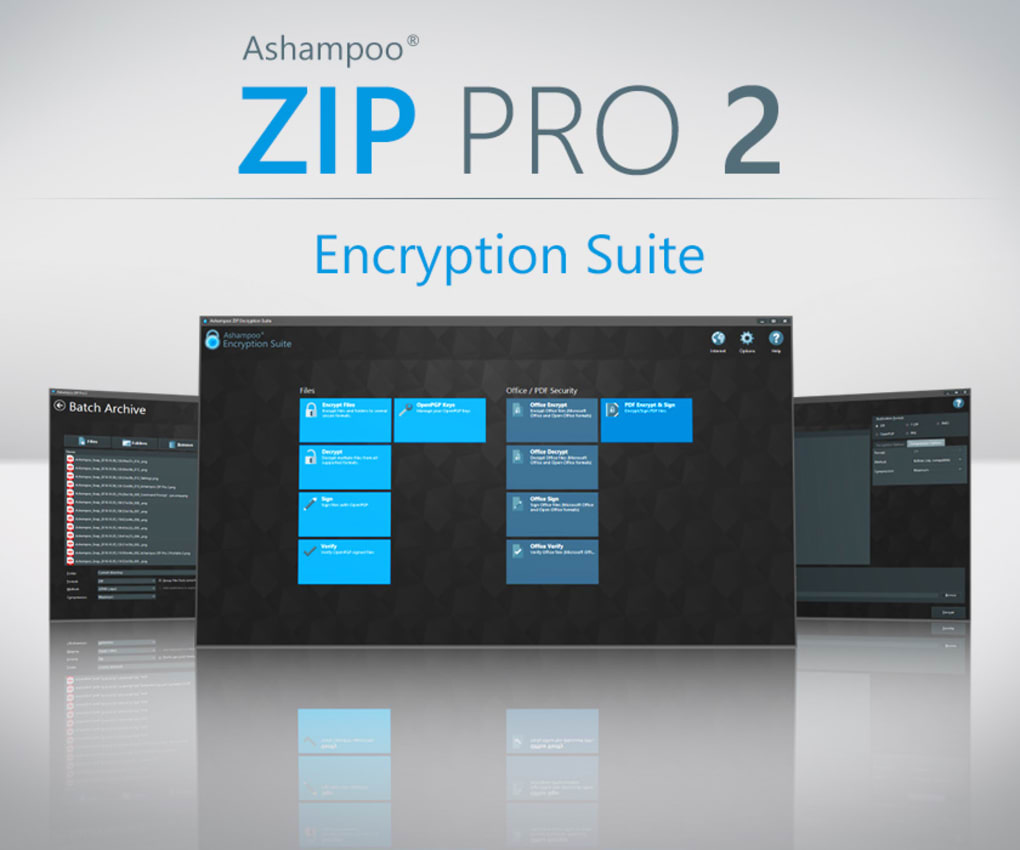
The software also includes advanced security features like AES-256 encryption and OpenPGP signing, allowing users to protect sensitive data and verify file authenticity. This is particularly valuable for legal, financial, or healthcare professionals who must comply with data protection standards. The ability to sign documents with OpenPGP eliminates the need for third-party tools, streamlining workflows and reducing potential vulnerabilities. Additionally, Ashampoo ZIP Pro 2 supports self-extracting archives, making it easy to share compressed files with colleagues who may not have the software installed.
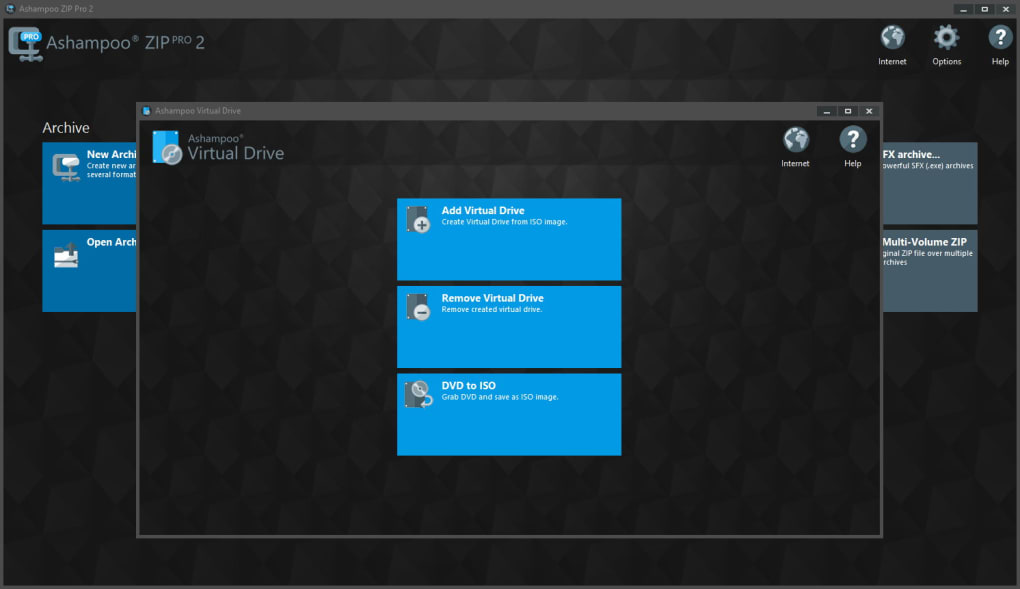
Cloud integration is another standout feature. Users can directly connect to Google Drive, Microsoft OneDrive, Dropbox, and other cloud platforms, enabling seamless backup, sharing, and access. The virtual drive functionality lets you mount archives as if they were physical drives, simplifying file browsing and editing. For on-the-go users, the portable version ensures full functionality without installation—perfect for USB drives or shared computers. These features collectively make Ashampoo ZIP Pro 2 a versatile, future-proof tool for anyone serious about file management.
Seamless Installation & Easy-to-Use Workflow
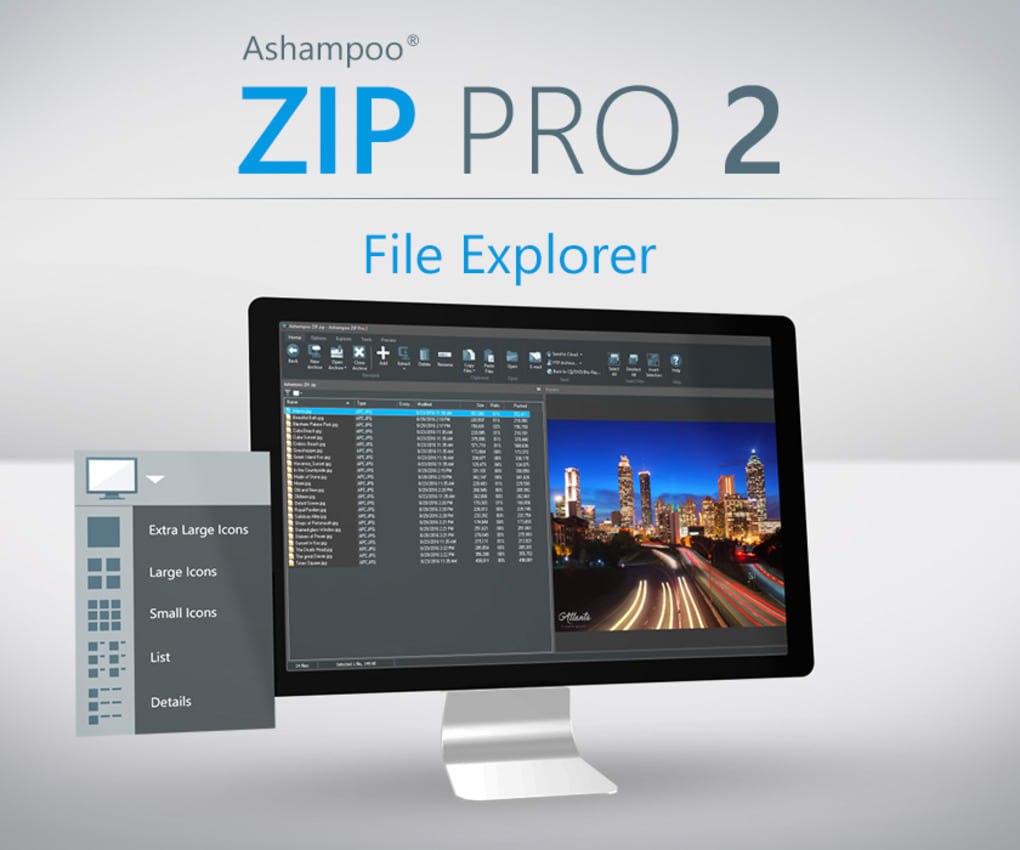
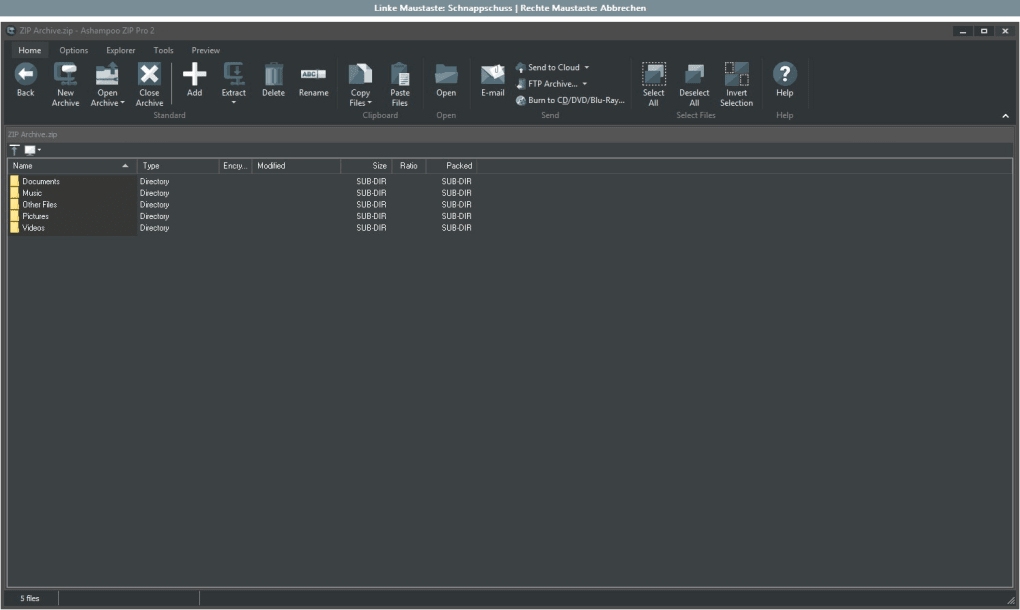
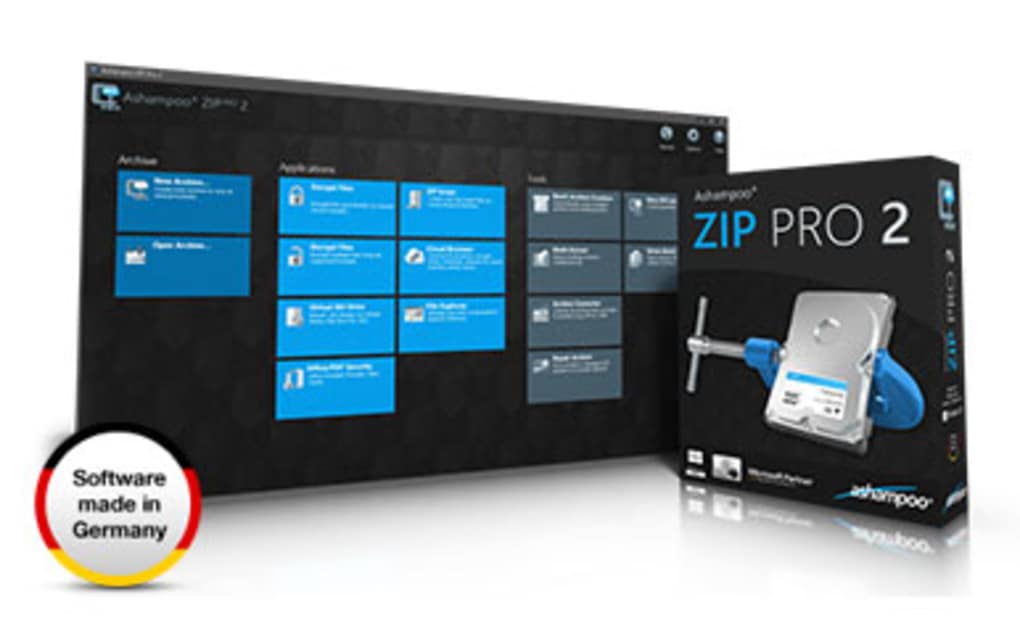
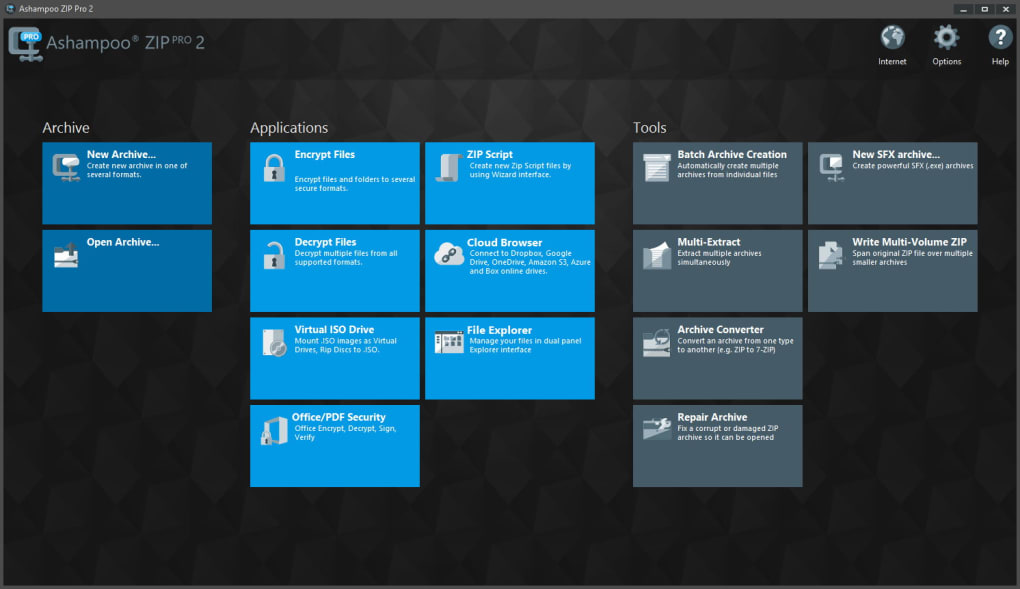
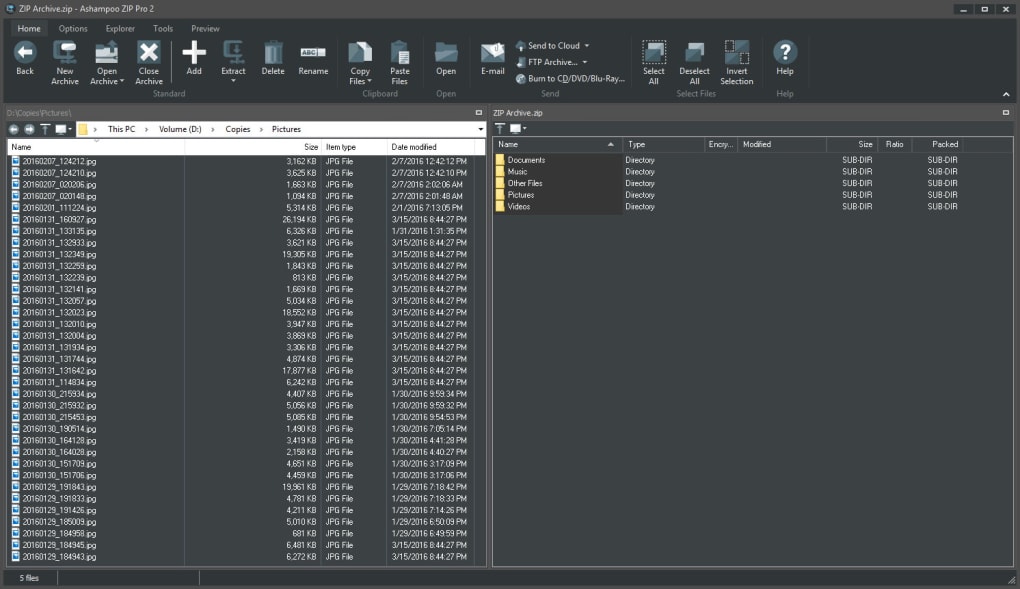
Installing Ashampoo ZIP Pro 2 is a straightforward process, whether you're using Windows, Mac, Android, or iOS. The installer is lightweight, quick, and guides users through setup with minimal interruptions. Once installed, the clean, intuitive interface blends naturally with the operating system—Windows users will find a familiar Explorer-style ribbon, while Mac users enjoy a sleek, macOS-native design. The main dashboard is divided into large, clearly labeled panels, each offering quick access to core functions like creating archives, extracting files, encrypting data, or managing cloud storage.
One of the most user-friendly aspects is the right-click integration with Windows Explorer and macOS Finder. Simply select a file or folder, right-click, and choose “Add to Archive” or “Extract Here” with just a few clicks. This eliminates the need to open the app for routine tasks. For advanced users, the app offers a customizable toolbar and keyboard shortcuts to speed up repetitive actions. The built-in file preview feature allows you to inspect contents of an archive without extracting it, saving time and disk space.
For those who work across multiple devices, the cross-platform sync ensures consistency. Your preferences, recent archives, and cloud connections are synchronized across all devices when using the Ashampoo account. The software also includes automatic update notifications, ensuring you always have the latest security patches and feature enhancements. Whether you're a beginner or a power user, Ashampoo ZIP Pro 2 adapts to your workflow without requiring a steep learning curve.
Full Compatibility & Ideal Use Cases
One of the strongest selling points of Ashampoo ZIP Pro 2 is its broad compatibility. It runs smoothly on Windows 10/11, macOS 10.15 and later, Android 8.0+, and iOS 12+. This multi-platform support means you can manage your archives consistently whether you're at your desk, on a tablet, or using your smartphone. The mobile apps offer a streamlined version of the desktop experience, allowing you to compress files, extract archives, and manage cloud storage on the go.
Small businesses and freelancers will find immense value in Ashampoo ZIP Pro 2. The ability to securely share project files, sign documents for authenticity, and integrate with cloud platforms reduces administrative overhead and enhances professionalism. For remote teams, the self-extracting archive feature ensures that clients or collaborators can access compressed files without needing additional software. IT departments in larger organizations also benefit from centralized security features and audit-ready file handling.
Power users and privacy advocates will appreciate the OpenPGP signing and AES-256 encryption. These tools go beyond standard ZIP passwords, providing cryptographic proof of origin and tamper detection. The portable version is ideal for system administrators or consultants who need a secure, no-install tool when working on client machines. Overall, Ashampoo ZIP Pro 2 is not just a file archiver—it’s a comprehensive digital workflow assistant for anyone who handles files regularly.
Pros and Cons: A Balanced Look at Ashampoo ZIP Pro 2
- Pros:
- Supports over 40 archive formats, including rare and legacy types
- Multi-core processing for fast compression and extraction
- Advanced encryption (AES-256) and OpenPGP signing
- Seamless cloud integration with Google Drive, OneDrive, Dropbox
- Portable version available for USB or temporary use
- Self-extracting archives for easy sharing
- Intuitive interface with right-click integration
- Available for Windows, Mac, Android, and iOS
- Cons:
- May be overwhelming for users who only need basic ZIP/RAR functions
- Full version requires a license (though trial is available)
- Mobile app lacks some advanced desktop features
- Cloud sync requires an Ashampoo account
- Occasional lag during initial setup on older systems
Frequently Asked Questions (FAQ)
- Can I use Ashampoo ZIP Pro 2 for free?
Yes, a free trial is available that allows full access to all features for a limited time. After the trial, you’ll need to purchase a license to continue using the software. The trial is ideal for testing compatibility and evaluating the advanced features before committing.
- Is Ashampoo ZIP Pro 2 compatible with Windows 11?
Yes, it fully supports Windows 11 with optimized performance and compatibility with the latest system updates. The app integrates smoothly with File Explorer and supports all modern file formats.
- Can I extract password-protected archives?
Yes, Ashampoo ZIP Pro 2 supports password-protected archives across all supported formats. You can also set strong AES-256 encryption when creating new archives for maximum security.
- Does it work on Mac and mobile devices?
Yes, it’s available for macOS, Android, and iOS. While the mobile apps are simplified, they offer core functionality like compression, extraction, and cloud access. All platforms sync settings via your Ashampoo account.
- How do I create a self-extracting archive?
Right-click any file or folder, select “Create Self-Extracting Archive”, choose your settings (including password protection), and the software generates a standalone executable. Recipients can run it without needing Ashampoo ZIP Pro.
Conclusion: Why Ashampoo ZIP Pro 2 Is Worth the Upgrade
If you're tired of juggling multiple tools for compression, encryption, and file sharing, Ashampoo ZIP Pro 2 is the ultimate all-in-one solution. Its combination of speed, security, and cross-platform compatibility makes it a standout in a competitive market. Whether you're managing large project files, securing sensitive documents, or collaborating across devices, this software delivers professional-grade performance without the complexity.
While it may be overkill for users who only unzip a few ZIP files occasionally, anyone involved in business, IT, or creative work will find immense value. The free trial gives you a risk-free way to test the full suite of features. Don’t miss out—download Ashampoo ZIP Pro 2 today and take control of your file management with confidence.
Ready to simplify your workflow? Download Ashampoo ZIP Pro 2 now and experience secure, fast, and seamless file handling across all your devices.
Guides & Tutorials
How to install Ashampoo Zip Pro 2
- Click the Download button above.
- Once redirected, accept the terms and click Install.
- Wait for the Ashampoo Zip Pro 2 download to finish on your device.
How to use Ashampoo Zip Pro 2
This software is primarily used for its core features described above. Open the app after installation to explore its capabilities.
User Reviews
No reviews yet. Be the first to share your experience.
You may also like
more
Llama 2
Free-to-use large language model As the new addition to Meta’s arsenal of langua...

NotebookLM
Revolutionizing the note-taking and idea-generation process NotebookLM is an exp...

Github co pilot
AI-inspired software development and coding platform GitHub Copilot is a browser...

Google Gemma
Google’s lightweight AI models Introducing Google Gemma , a family of cutting-ed...

AI Image Enlarger
A free app for Windows, by ai-image-larger. AI Image Enlarger is a free software...

DALL E
AI-driven text-to-image transformation engine DALL·E is a free graphic and desig...